Instagram photos, carousels, reels and stories: what you can save and what to expect
Each kind of Instagram post behaves differently: carousels mix photos and videos, stories expire, reels are vertical video. Here is what the public version of each contains, and how to reuse it well.
Instagram has several kinds of post, and they don't behave the same way when you open them from a public link. Knowing the differences saves a lot of confusion: why a carousel produced eight files, why a story link stopped working, or why a downloaded photo is smaller than the one you uploaded.
This guide describes what the imgstools Instagram tool can retrieve from each kind of public post, and what you can expect from the files.
The four kinds of post
| Kind | What it contains | Typical shape | How long it lasts |
|---|---|---|---|
| Photo post | One photo | Square, portrait or landscape | Until deleted |
| Carousel | Several photos and/or videos, swiped sideways | All items share one shape | Until deleted |
| Reel | One vertical video with sound | 9:16 | Until deleted |
| Story | One photo or short video | 9:16 | 24 hours, unless saved to a highlight |
Photo posts
A single photo is the simplest case: you get one JPG. Instagram doesn't keep your original file. It stores resized, recompressed copies, and for feed photos the widest copy is commonly 1080 pixels across. A photo uploaded straight from a 12-megapixel camera therefore comes back much smaller, about 1.2 megapixels instead of 12. That's normal, and no tool can recover the original resolution from Instagram.
Carousels
A carousel can hold a mix of photos and videos. The tool lists each item separately and numbers them in order: "1. Photo · JPG", "2. Video · MP4" and so on, so you can save just the slides you need. Photos come as JPG; videos come as MP4 with their sound.
Two things to know:
- Order matters for meaning. Creators often design carousels as a sequence: a cover slide, steps, then a summary. If you save several slides, keep the numbers in the file names so the order survives.
- Slides share one shape. Instagram displays every item in a carousel at the same aspect ratio, so some slides may have been cropped or padded to match the first.
Reels
A reel is a vertical video, normally 9:16, with sound. You get one MP4. Reels often include on-screen text placed with the app's own editor, which is part of the video picture and can't be removed separately.
Stories
Stories are the exception in three ways:
- They expire after 24 hours unless the account saves them to a highlight. After that, the link stops working.
- Each story needs its own link. A profile can have several active stories. The tool resolves one at a time, from the link of a specific story (Share → Copy link in the app), not from the profile address.
- Highlights work the same way. Open a specific story inside the highlight and copy that story's link.
What can't be retrieved
The tool sees only what Instagram shows to a visitor who is not logged in. It cannot access:
- private accounts, even if you follow them;
- posts that were deleted or archived;
- content restricted by age or region, or limited to "close friends";
- stories that have expired and were not saved to a highlight.
That limit is deliberate. imgstools doesn't sign in to Instagram or work around anyone's privacy settings.
Shapes Instagram uses
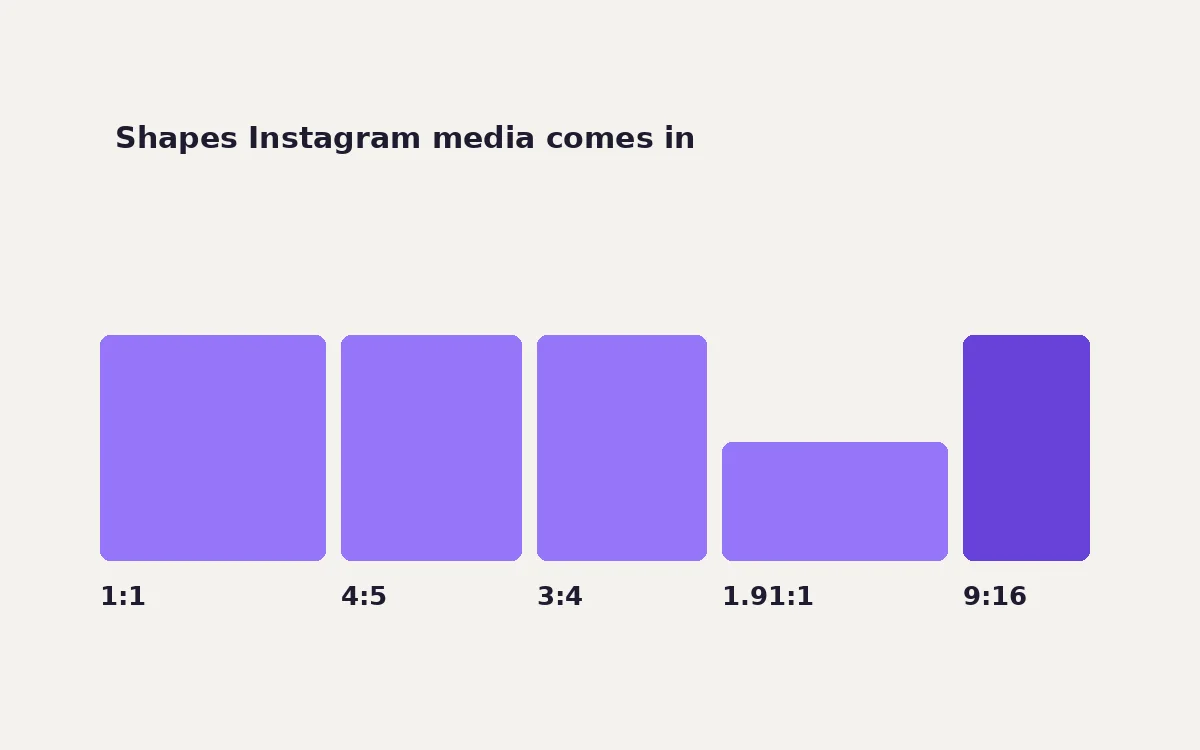
When you reuse Instagram media somewhere else, or prepare your own posts, these are the shapes that matter:
| Shape | Ratio | Common size | Used for |
|---|---|---|---|
| Square | 1:1 | 1080 × 1080 | Classic feed posts |
| Portrait | 4:5 | 1080 × 1350 | Tallest standard feed photo |
| Portrait | 3:4 | 1080 × 1440 | Profile grid thumbnails and newer portrait posts |
| Landscape | 1.91:1 | 1080 × 566 | Widest feed photo |
| Vertical | 9:16 | 1080 × 1920 | Stories and reels |
Instagram adjusts its layouts from time to time, so check its help pages before you rely on an exact size.
Reusing a downloaded Instagram photo elsewhere
Most destinations want a different shape from Instagram's. Using the crop maths from our aspect ratio guide:
- 4:5 portrait to a 16:9 blog banner keeps only 45% of the photo: the full width, but less than half the height. The subject often won't survive, so pick a different image or show the full photo with space around it.
- 4:5 portrait to 1:1 square keeps 80% of the height. It usually works.
- 9:16 story to 1:1 square keeps 56%: the top and bottom go, along with any stickers or text placed there.
Crop with the crop tool, then compress for the web. Don't upscale a 1080-pixel photo to fill a large hero banner. Our upscaling test shows why it stays soft.
Backing up your own Instagram
For your own account, a public-link tool is fine for one post, but the official export is better for everything. In the app, go to Accounts Center → Your information and permissions → Download your information. The export includes media you can't reach through public links, such as archived posts, expired stories and private posts, and it can take a while to prepare.
Rights in one paragraph
A public Instagram post is still owned by the person who made it. Saving your own posts is fine. For anyone else's, sharing the post through Instagram, or embedding it on a website with Instagram's embed option, keeps it attributed and under the owner's control. Re-uploading it needs their permission. Our guide on saving social media responsibly includes a short message template for asking.
Method
The tool behaviour described here (numbered per-slide carousel results, one story per story link, and the limits on private content) comes from the imgstools Instagram tool's source. Crop percentages are exact geometry. Common Instagram sizes are long-standing published dimensions; Instagram can change them.
Keep exploring
More from imgstools
Does Re-saving a JPEG Lower Its Quality? We Saved Photos 10 Times to Find Out
Read note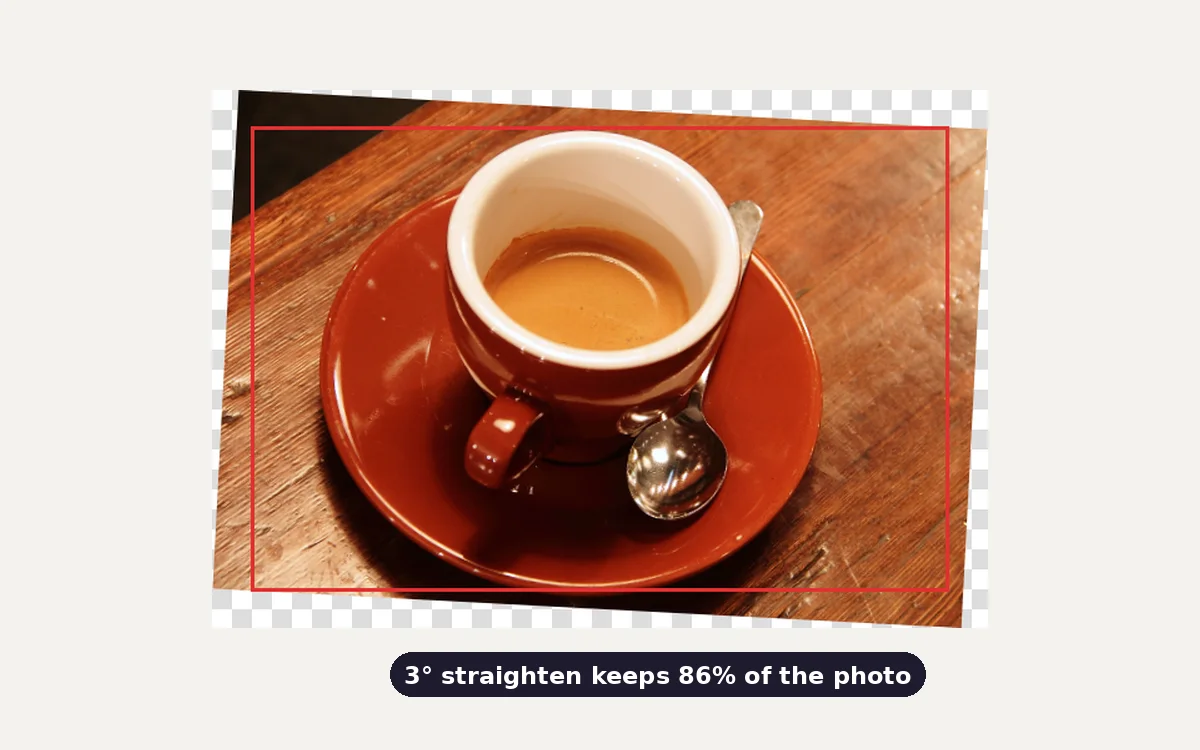
Straightening a tilted photo: how much each degree costs, and the exact crop to use
Read note